
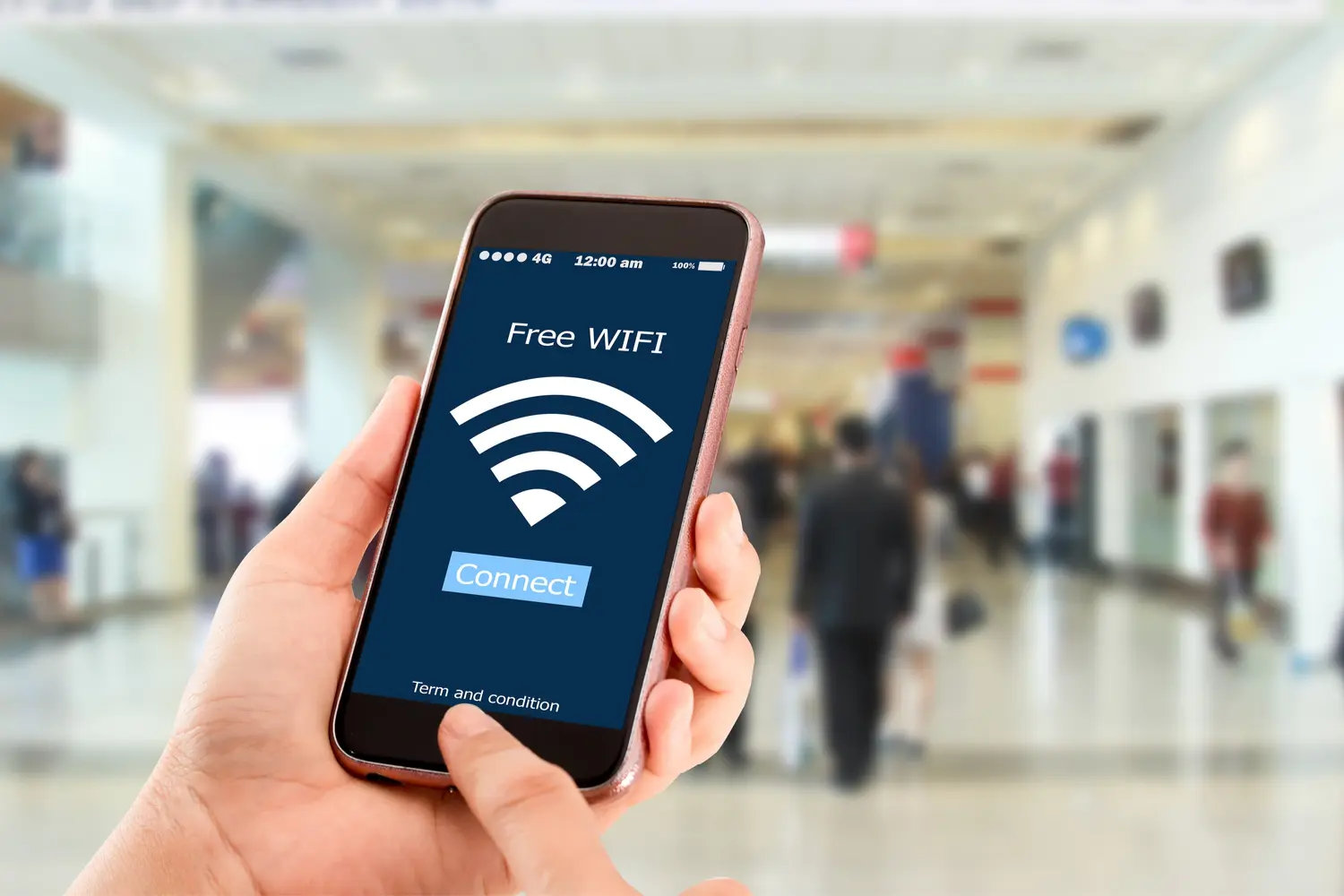
Staying safe on public Wi-Fi networks
Arriving at the airport, searching for the free Wi-Fi and connecting without a second thought. Who hasn’t done this? It’s such an automatic behavior that most people never stop to think about the risks. But public Wi-Fi networks are, by far, one of the most dangerous environments for your data.
The problem is that these networks generally lack adequate encryption, anyone can connect, and that opens the door to several types of attacks.
The man-in-the-middle attack
This is the most classic one. Imagine you and a website are communicating through letters — a man-in-the-middle attack is like someone standing in between, intercepting and reading each letter before passing it along. On unprotected public networks, this is technically feasible for anyone with basic security knowledge.
An attacker can see what you’re accessing, data you’re submitting through forms, and login credentials on sites that don’t properly use HTTPS.
The fake Wi-Fi: the evil twin attack
Here the criminal creates a Wi-Fi network with the exact same name as the legitimate one — “Starbucks_Free_WiFi”, for example. You connect thinking it’s the real network, but in reality all your traffic is passing through the attacker’s computer. They see everything.
This is frighteningly simple to execute and hard to detect.
How to protect yourself on public networks
Use a VPN. It’s the most effective protection. With an active VPN, even if you’re on a compromised network, your traffic is encrypted and the attacker can’t read anything.
Check for HTTPS. Whenever you’re about to enter any sensitive data, confirm the address starts with “https://” and that there’s a padlock icon. Sites without HTTPS transmit data in plain text — anyone on the network can read it.
Disable automatic sharing. On Windows and Mac, you can set the network profile to “public” when connecting to an unknown Wi-Fi — this disables file and printer sharing.
Forget the network after using it. Configure your device not to automatically reconnect to public networks. This prevents you from unknowingly connecting to a fake network with a name similar to one you used before.
Prefer mobile data for sensitive things. If you need to access your bank, make a purchase, or log into work systems, use your phone’s 4G or 5G connection. It’s much safer than any public Wi-Fi.
Finding the balance between convenience and security
You don’t need to be paranoid. Watching a YouTube video or checking social media on public Wi-Fi carries much lower risk than accessing your bank account. The key is understanding the sensitivity level of what you’re doing and acting accordingly.
With an active VPN and a minimum of awareness, you can use public networks reasonably safely. But never, ever log into important accounts without these precautions.